
Access your Jira Cloud work in under 1 second
Stop waiting for heavy tabs to load. Instant issue navigation, saved Jira filters, and multi-tenant switching directly from your browser toolbar.

Free • Tokens stay in your browser • Uninstall anytime — questions? Ask us →
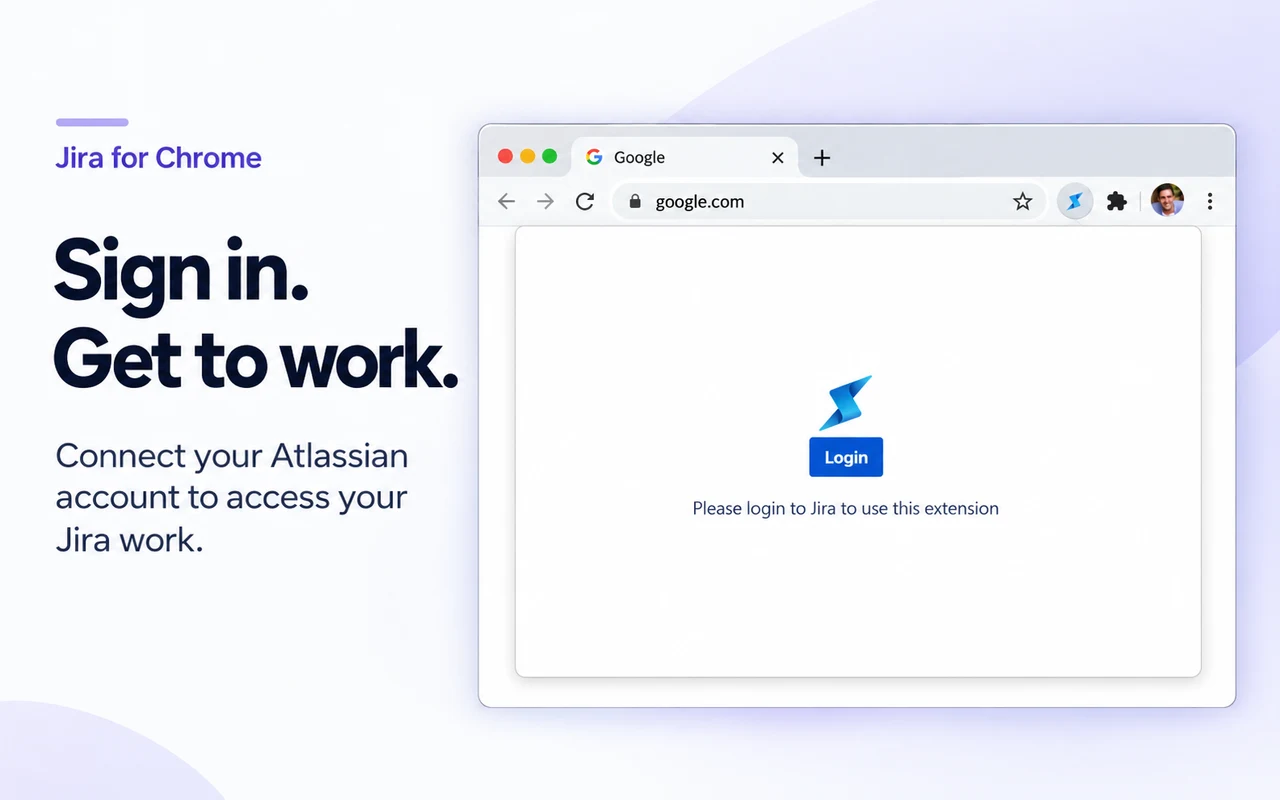
Supported Jira Cloud Environments
 Jira Software Cloud
 Jira Work Management
 Jira Service Management
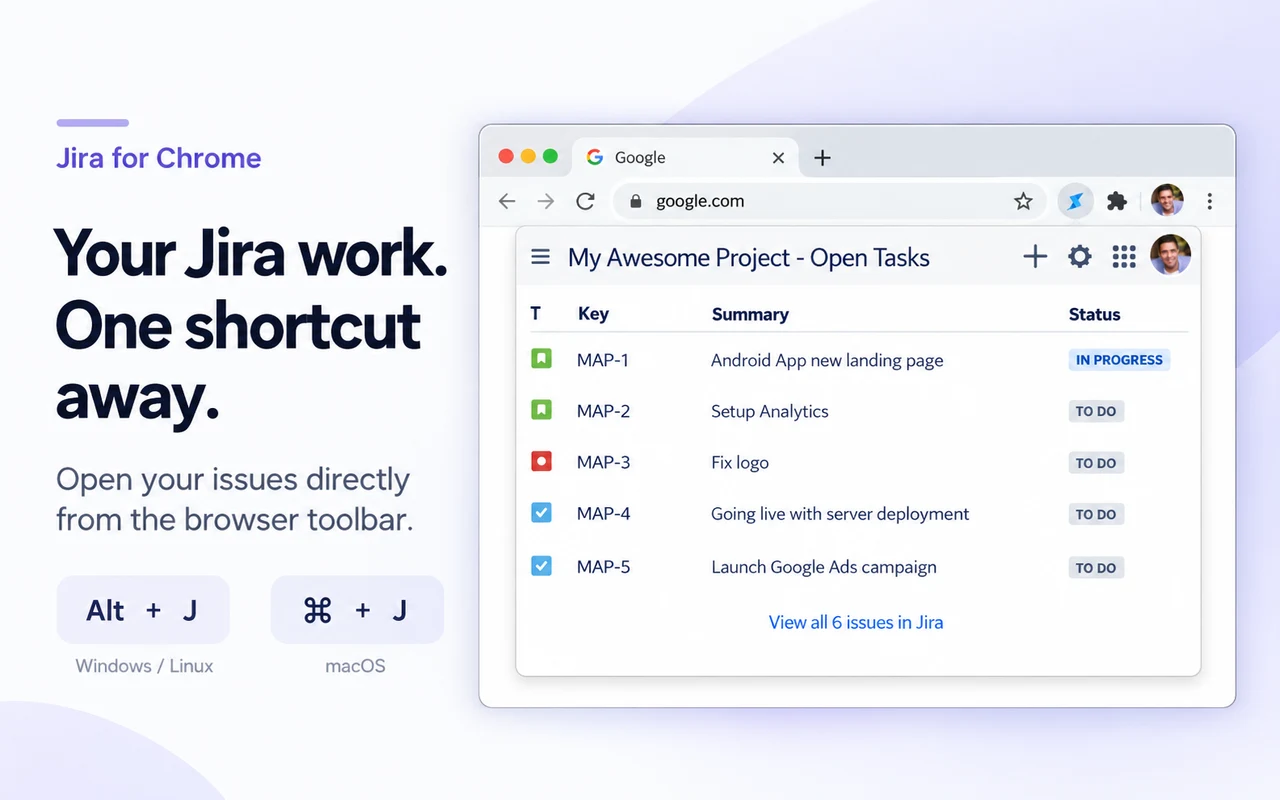
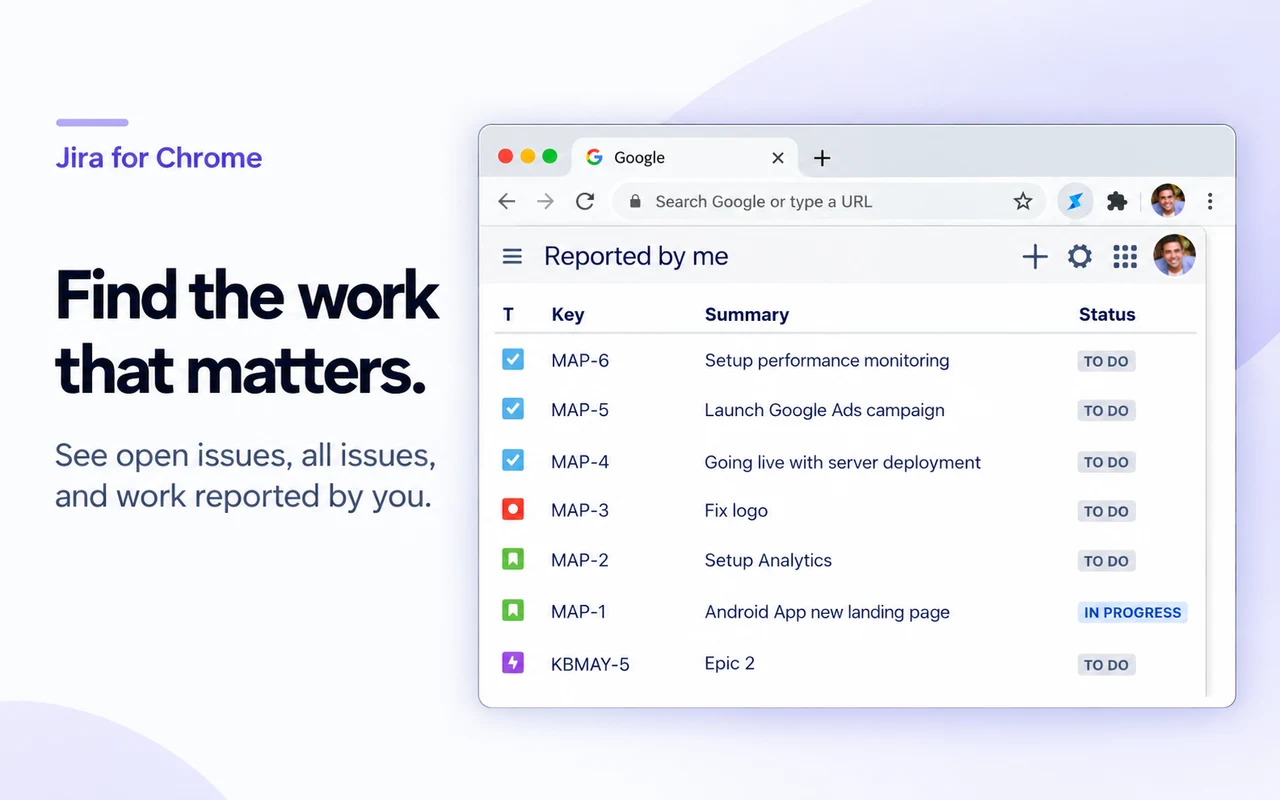
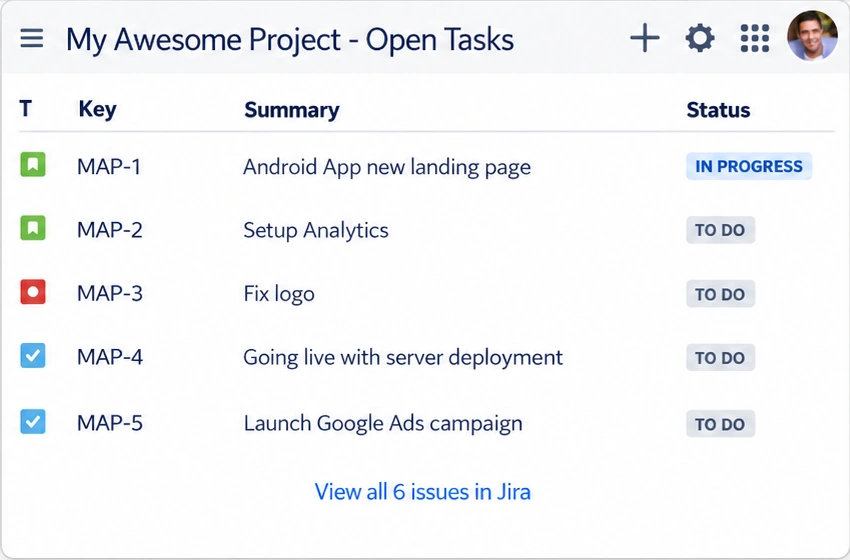
Your assigned tickets without the context switch
Opening Jira in a full browser tab means waiting on a heavy page load. Jira for Chrome pops open in a blink right over your current tab so you never lose your train of thought.
- Instantly review tickets assigned to you or recently visited.
- Create new issues on the fly without navigating away.
- Native Atlassian Design System feel with full dark mode support.
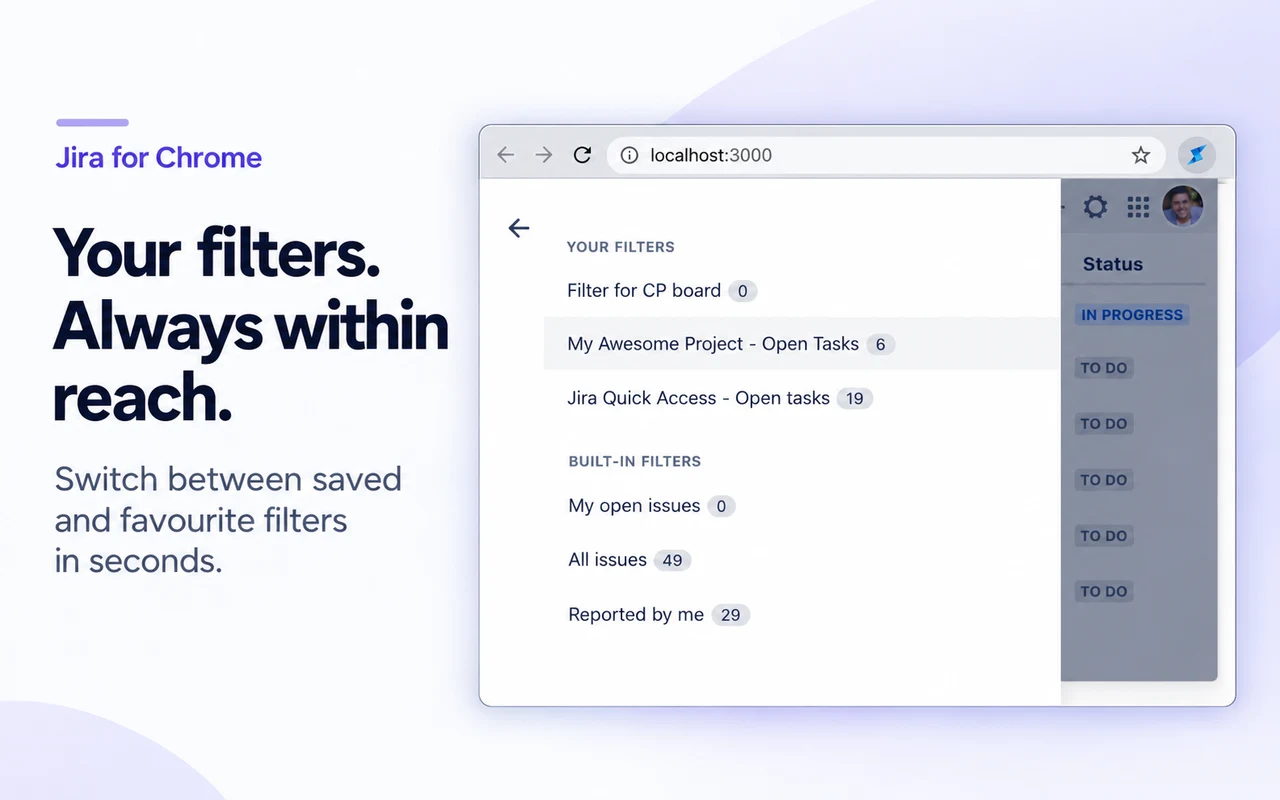
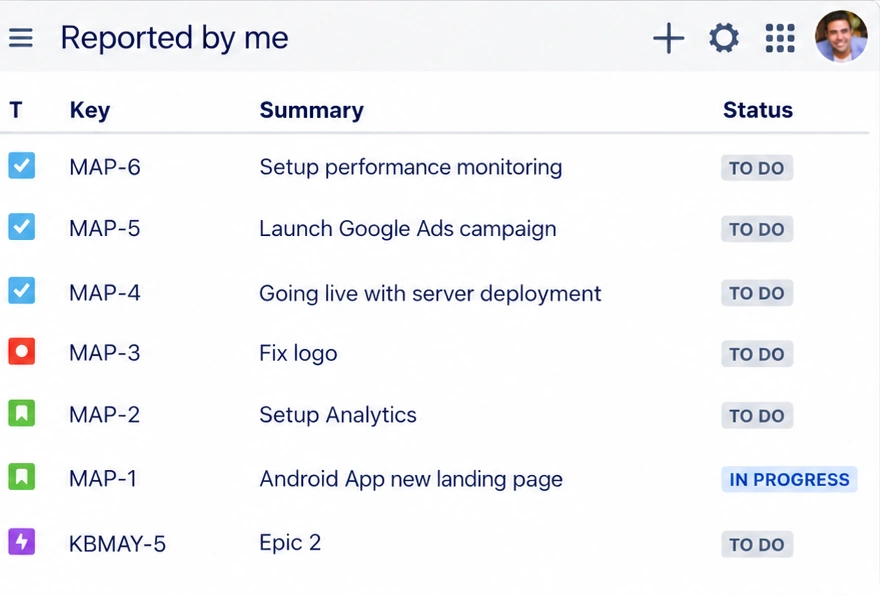
Built-in filters plus every custom favorite
Whether you rely on preset views or complex JQL queries created by your team, your favorite filters are synchronized and ready to browse.
- One-click switching between active sprint filters and backlog views.
- Direct access to filters marked as favorite in your Jira account.
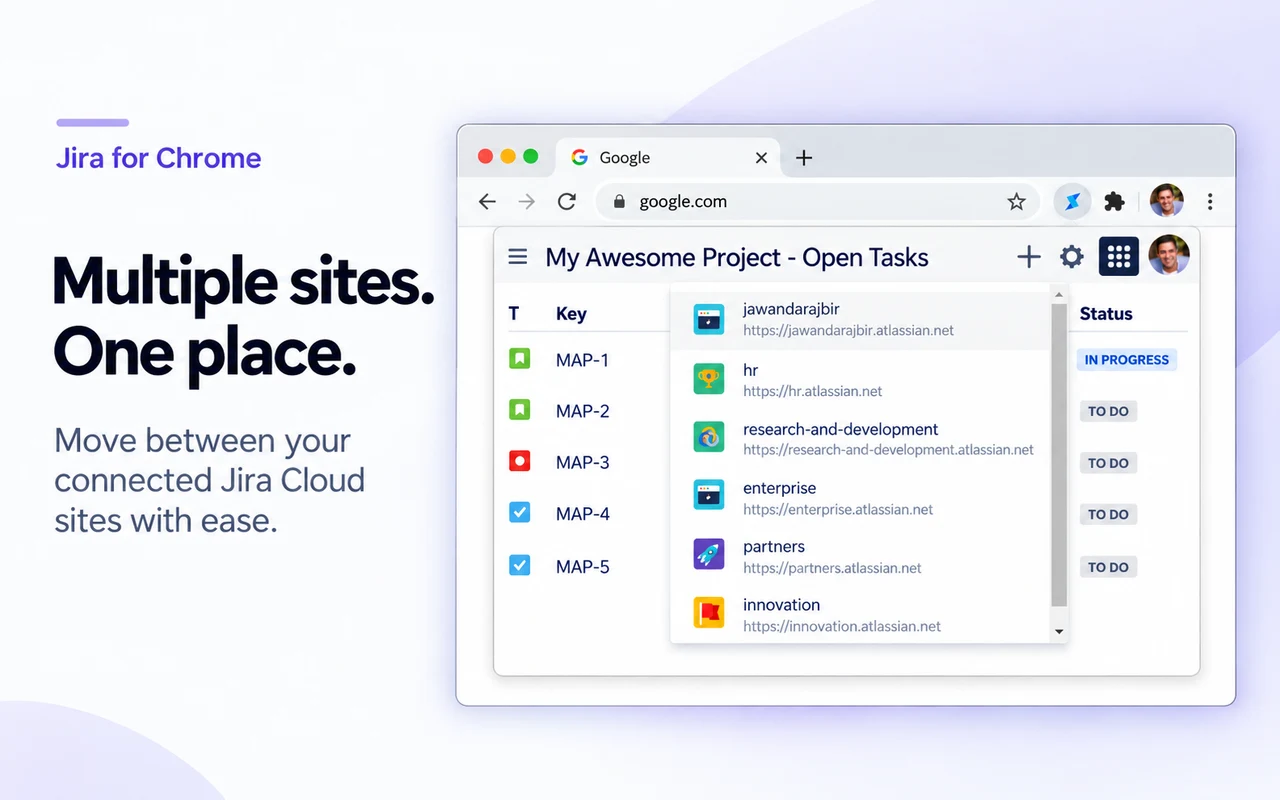
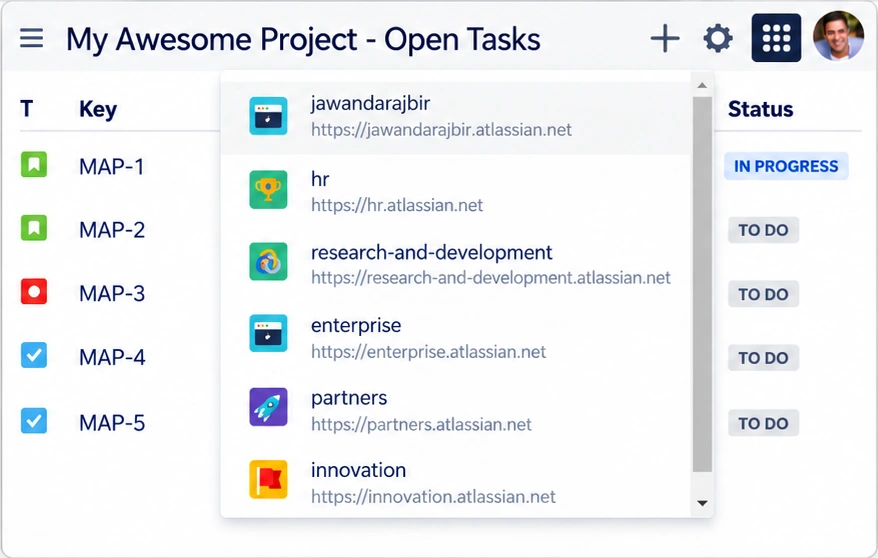
Multi-tenant switching with tokens that stay in your browser
Manage tickets across work, clients, or separate Jira instances? Switch sites with a single click. Your login tokens stay safely inside your browser.
- Minimal token relay: Jira content flows directly between your browser and Atlassian's APIs. Only the OAuth code exchange passes through a minimal stateless relay that stores nothing. See exactly how authentication works →
- Zero credential storage: Your Atlassian password is never handled. Tokens live in your browser's local extension storage — never in a database — and disappear when you log out or uninstall.
- Seamless site selector toggles instantly between any connected cloud domain.

Frequently Asked Questions
Everything you need to know about Jira for Chrome, security, setup, and features.
What is Jira for Chrome?
Jira for Chrome is a free browser extension that gives developers, product managers, and agile teams instant access to Jira Cloud in under one second. It lets you view assigned issues, search recent tickets, and create new work items directly from your toolbar without opening full Jira tabs.
How do I open Jira for Chrome using keyboard shortcuts?
You can launch Jira for Chrome instantly from any browser tab by pressing Alt+J on Windows and Linux, or Cmd+J on macOS. The extension popup opens immediately, allowing rapid ticket search, issue creation, and navigation without taking your hands off the keyboard.
Which Jira Cloud products and instances are supported?
Jira for Chrome supports Jira Software Cloud, Jira Work Management, and Jira Service Management. It includes multi-instance tenant switching, allowing team members with multiple Atlassian Cloud sites to switch seamlessly between organizations and projects with a single click.
How does Jira for Chrome protect my credentials and privacy?
Jira for Chrome signs you in through Atlassian's official OAuth 2.0 (3LO) flow and never sees your Atlassian password. Access and refresh tokens stay in your browser's local extension storage (chrome.storage.local), and Jira content is fetched directly from Atlassian's APIs. Only the OAuth code exchange passes through a minimal stateless relay that stores nothing. See the complete Permissions & Privacy Policy for the full data map.
Is Jira for Chrome free to use?
Yes, Jira for Chrome is 100% free and open-source for personal, commercial, and enterprise teams. There are no paid tiers, feature paywalls, subscriptions, or credit card requirements. All core capabilities—including issue creation, search, multi-tenant switching, and keyboard shortcuts—are fully unlocked.
Ready to reach Jira in under a second?
Install the extension, sign in once with Atlassian, and press Alt + J from any tab — your tokens stay in your browser.

Support & Feedback
Encountered an issue, need assistance with your Jira Cloud setup, or have a feature idea? Fill out the form below and we will get back to you directly.